
Inside the Reseller Platform
Explore the Northline demonstration from publishing a plan to answering the customer who ordered it.
Storefront & Catalog
Decide What Goes on Sale
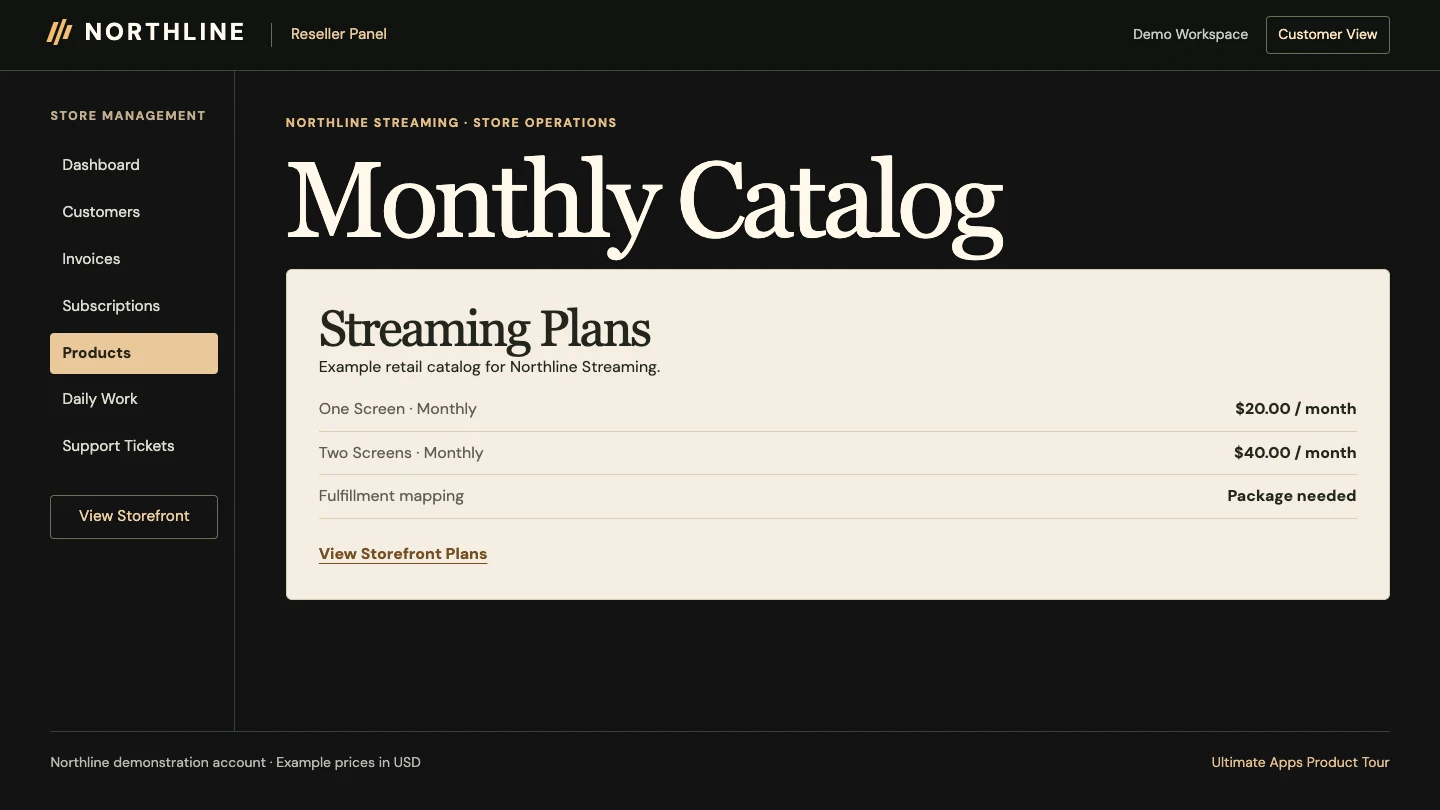
Give each plan a customer-facing name, screen count, and monthly price. Customers see your catalog on your domain. Connect the plan to its service package before offering automatic activation.
Customer Billing
Open the Order Behind a Balance
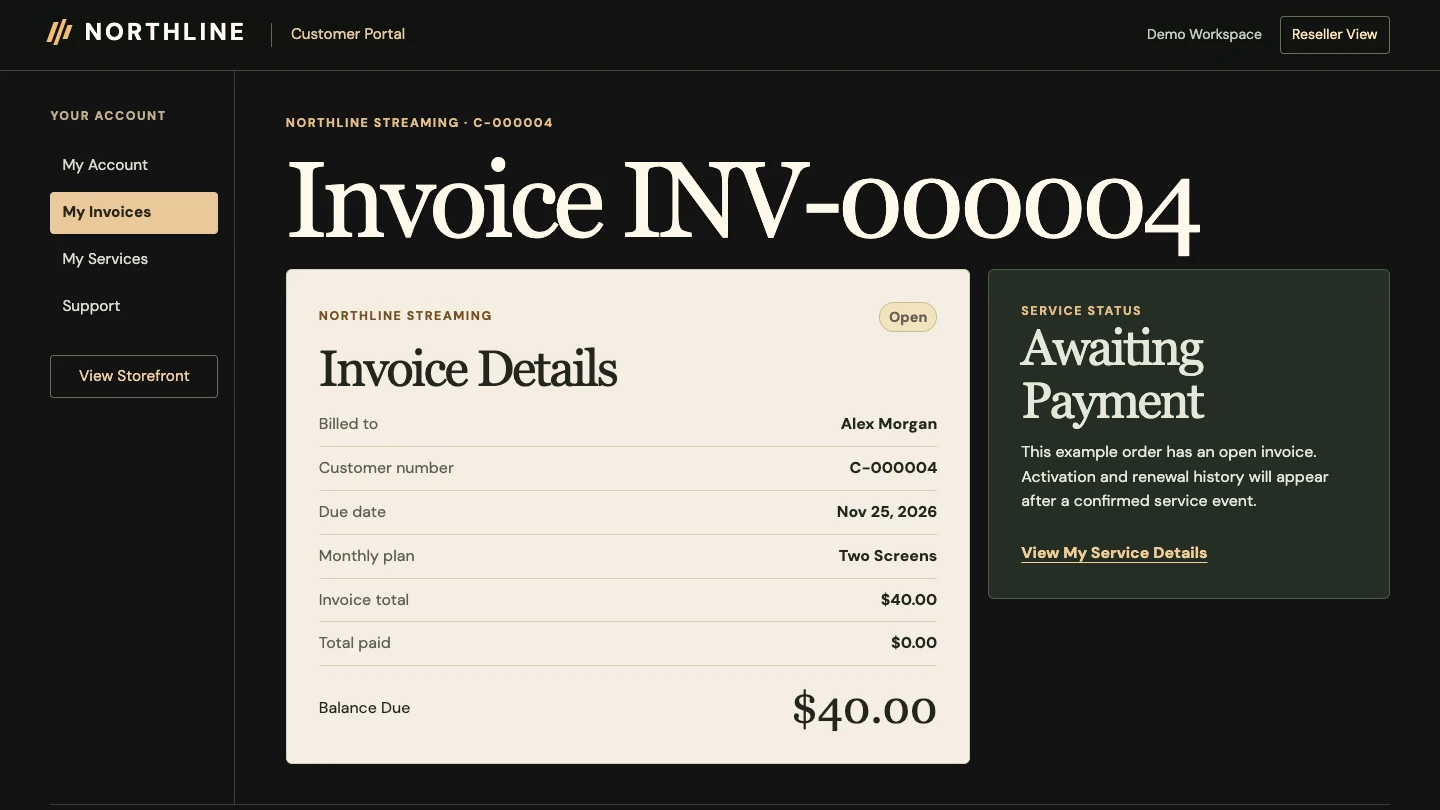
Each customer gets an account number. Each order gets an invoice number. In Northline, Alex orders two screens. Both Alex and the reseller can check what the $40 covers, how much remains due, and whether service is ready.
Customer Records
Keep the Account History Together
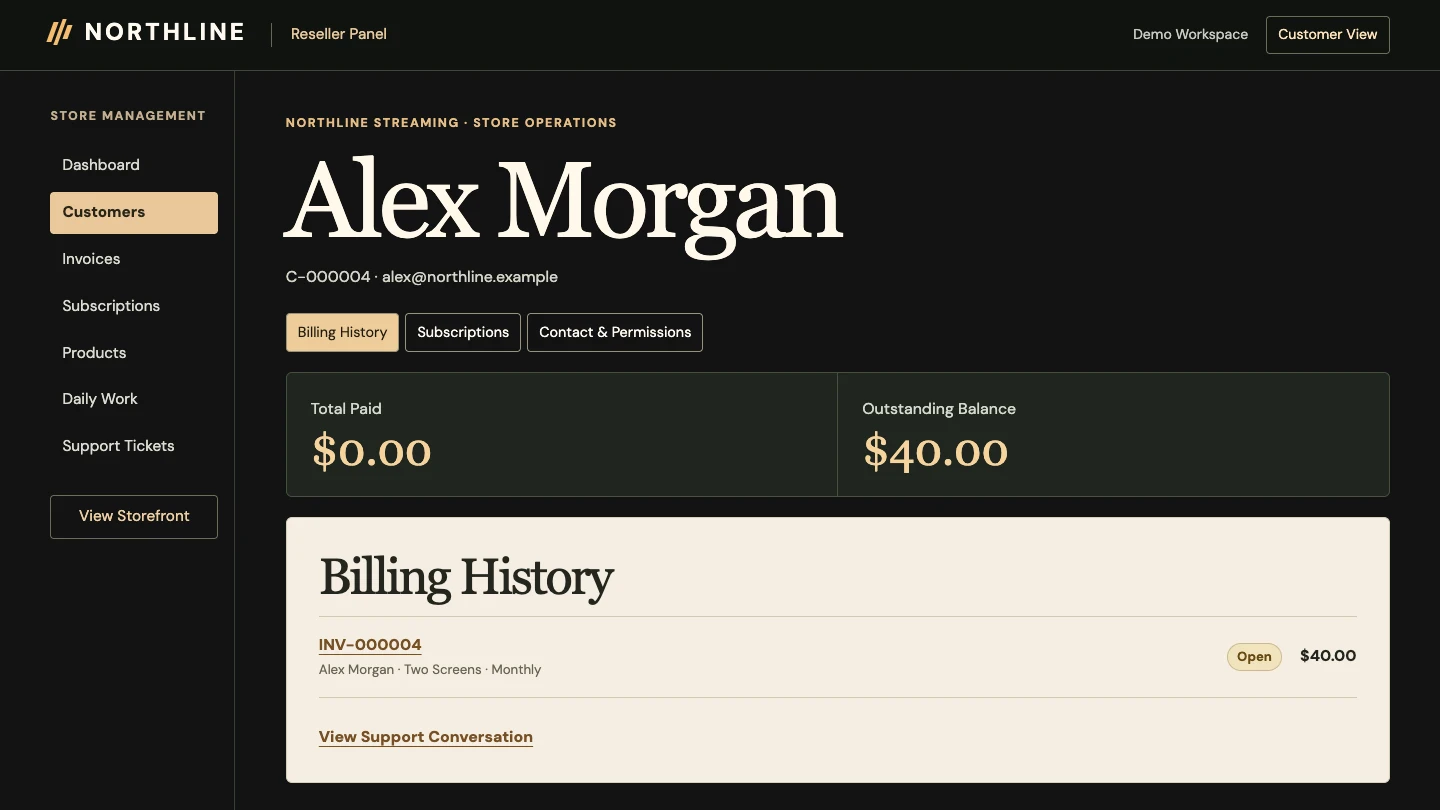
Find a customer by number, name, or email. Open the record to review invoices, payments, subscriptions, phone details, and communication preferences before following up.
Daily Operations
Work the Orders That Need Attention
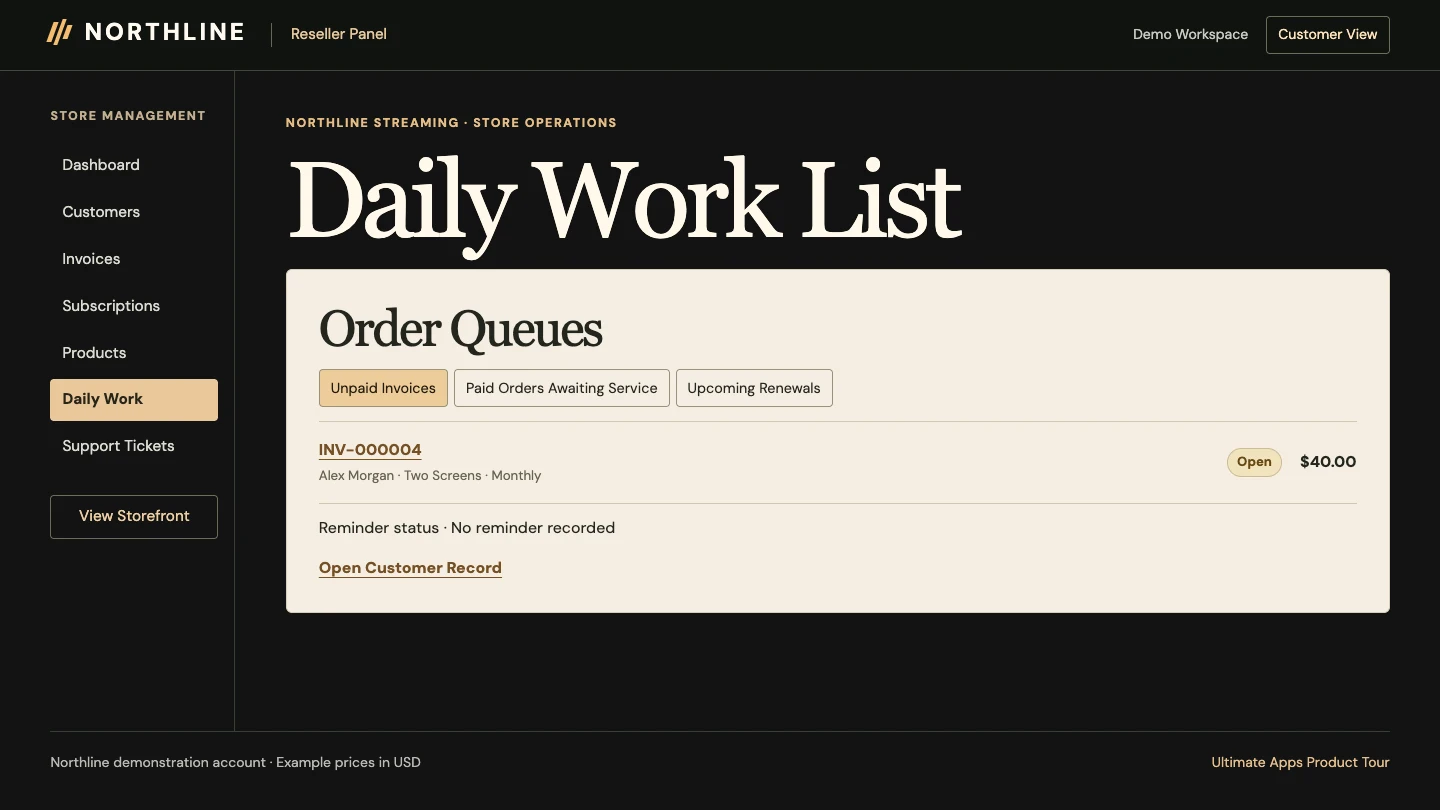
Start with unpaid invoices, paid orders awaiting service, and upcoming renewals. Check the due date, reminder, and fulfillment state before contacting a customer.
Support Tickets
Carry the Conversation Through to a Reply
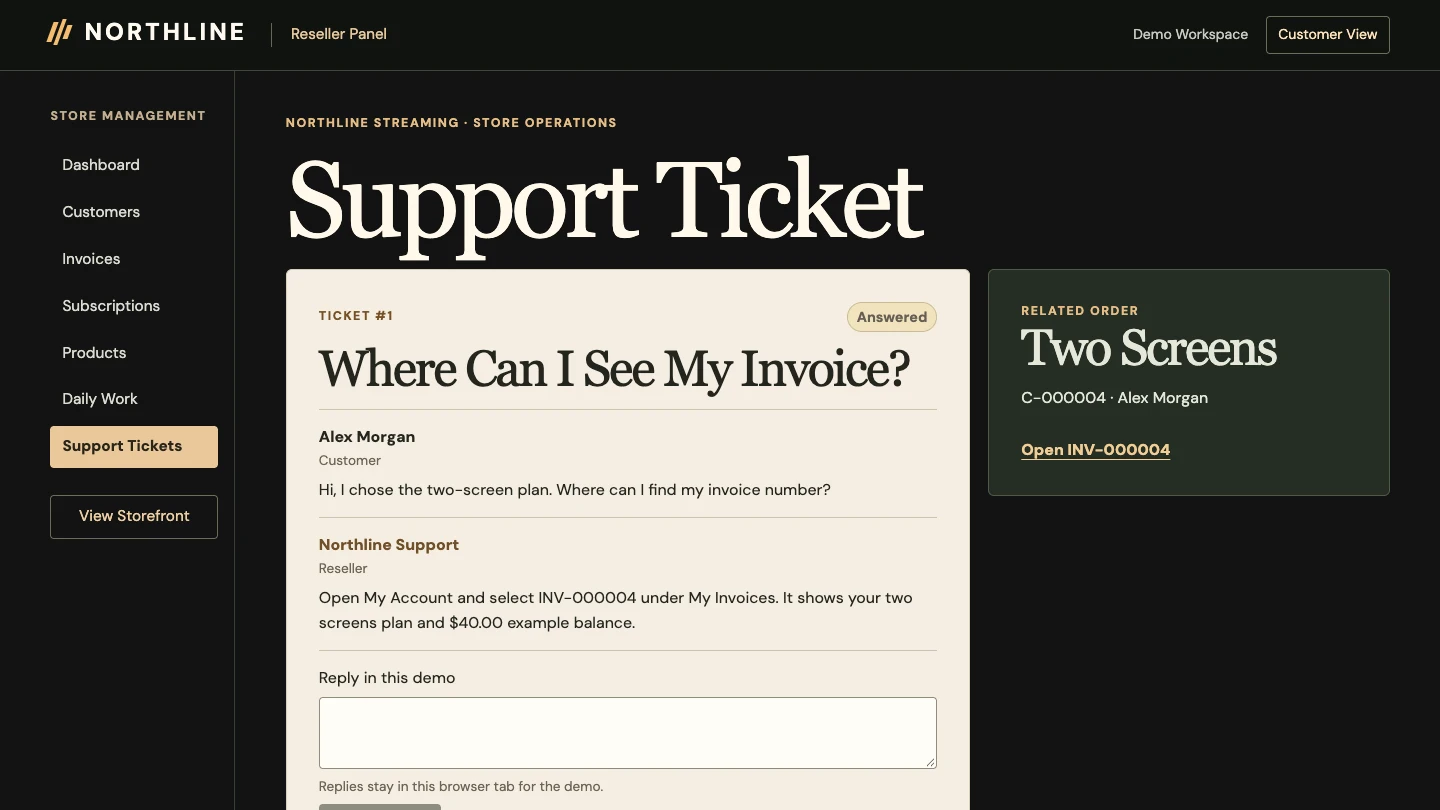
Alex asks where to find the invoice. The reseller replies in the ticket and points Alex back to My Invoices. Alex reads the answer in the customer portal, and the reseller sees the ticket marked Answered.
Connections & Automation
From a Paid Invoice to Service
- Product Mapping
- Match the storefront plan to the service, package, and connection count it should deliver. Confirm both new activation and renewal behavior for that product.
- Payment Confirmation
- Set up the store’s receiving details and match a confirmed payment to the correct invoice. Cash App, Venmo, and Zelle instructions can appear on an invoice. Automatic posting requires a verified receipt route for that store.
- Activation & Renewal
- A matched payment and a configured package let the fulfillment connection activate or renew service. Use the service history and paid-orders queue to check the result and follow up on exceptions.
- Customer Messages
- The email sequence covers welcome and verification, invoice, payment receipt, trial ready, service ready or renewed, due reminder, and support reply. Service details appear in the customer’s signed-in account.
- Due Reminders
- The due-date email targets 2 p.m. Eastern for verified customers who receive billing emails. A delayed run can catch up once per unpaid invoice. Text notices require a configured sending route and applicable consent.
Northline’s filmed order ends with an unpaid invoice and an answered ticket. The walkthrough shows the outstanding service work at that point.